
Ordafy Business
Bookings, catalog, customers, and day-to-day ops - Pay plugs in when you need links.
Create a link, share it, get paid - powered by Stripe. Works standalone or alongside Ordafy Business.
No setup fees · Same account as Ordafy Business
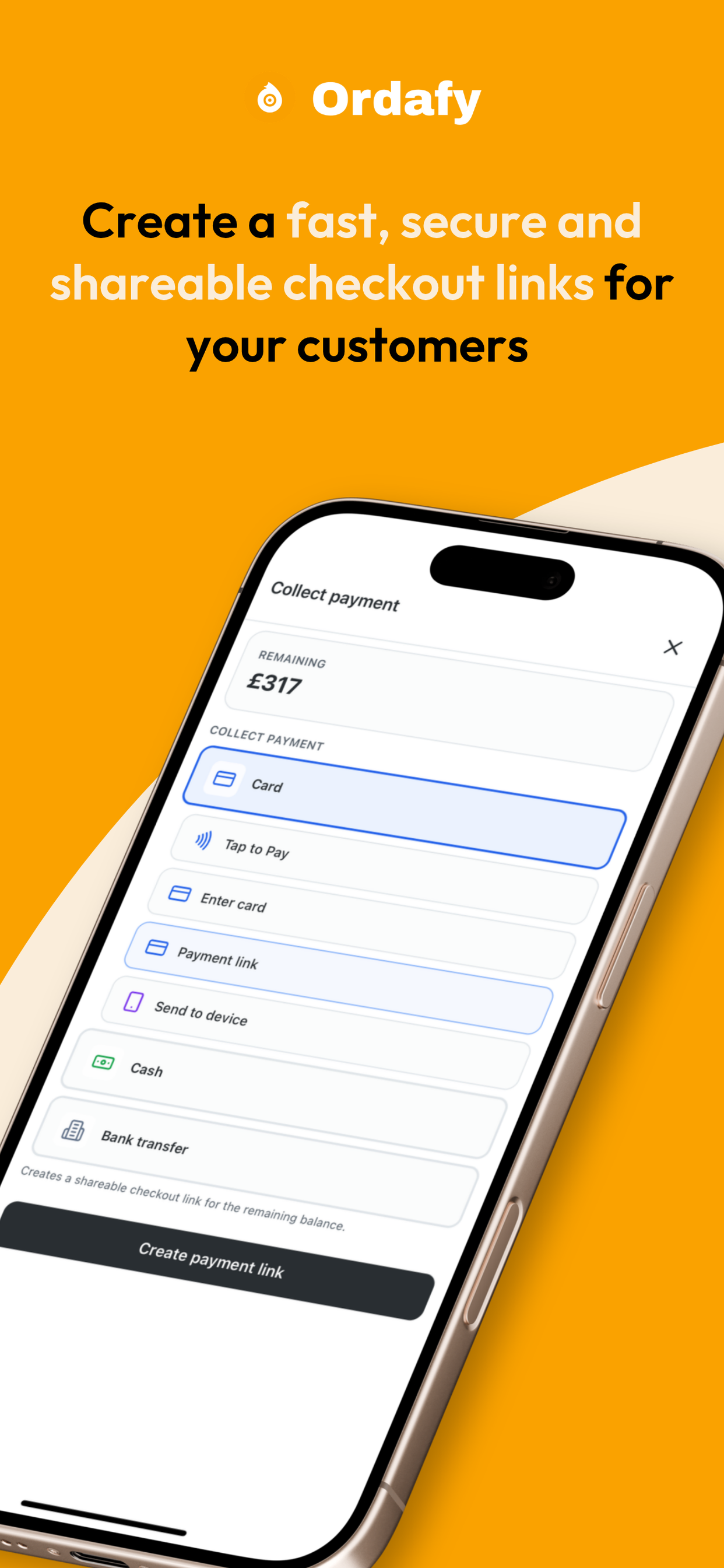
Share a link. Get paid before the conversation ends.
Fast to send
Create and copy a link in under a minute
Stripe-powered
Checkout customers already trust
No monthly fee
Pay only when you get paid
How it works
No code, no custom checkout - just links that open Stripe and land in your account.
Set amount, line items, and who it’s for - from the Pay dashboard or mobile app.
Send by text, email, or chat. Customers pay on Stripe Checkout - no account required.
Funds go to your connected Stripe account. Activity and status stay in Pay.
Pay dashboard
Create links, track activity, and manage payouts from one dashboard - on desktop and tablet when you need more room.
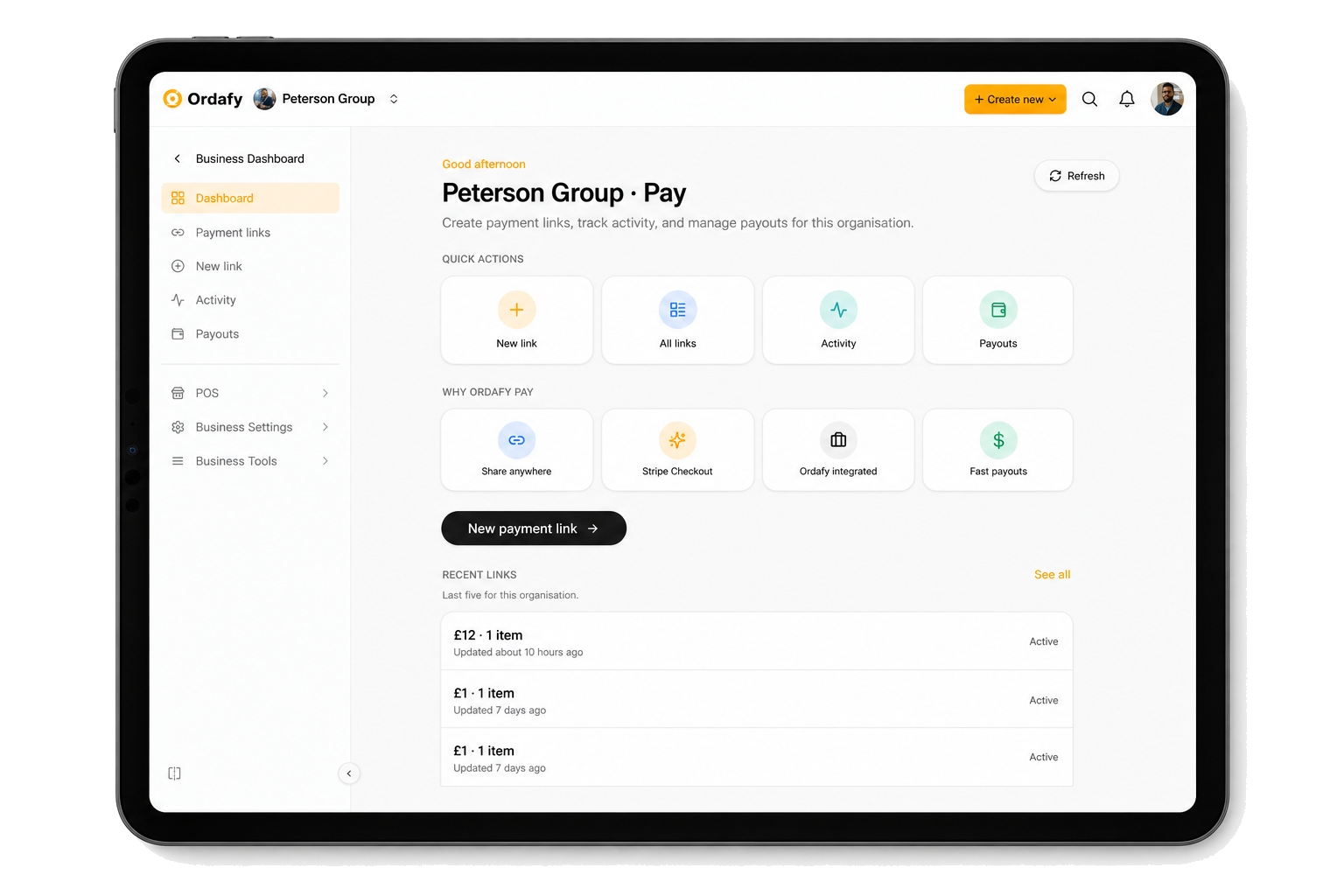
Dashboard
Create a payment link, track activity, and open payouts from one Pay workspace.
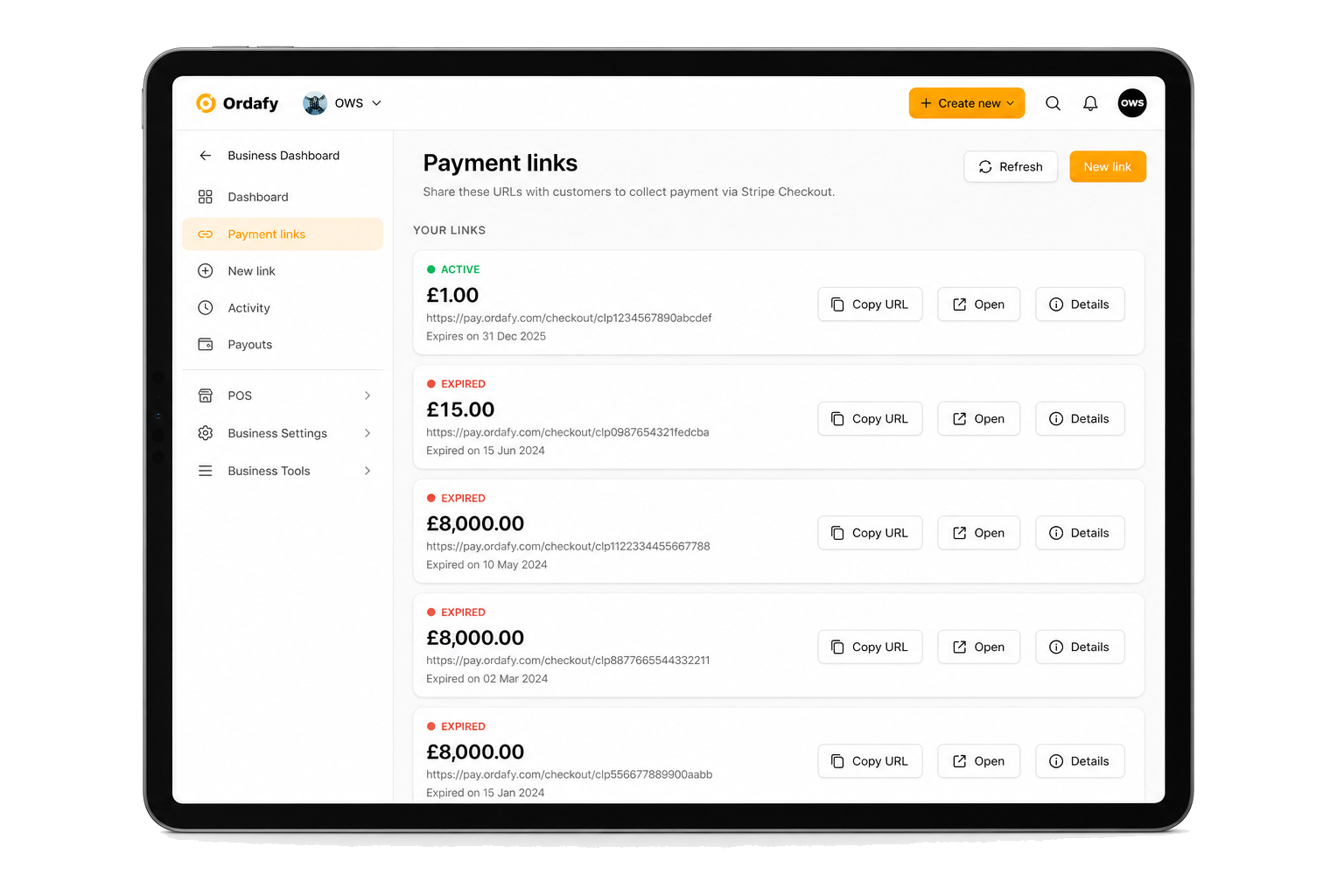
Your links
Active and expired links, copy URL, open checkout, or jump into details — without leaving Pay.
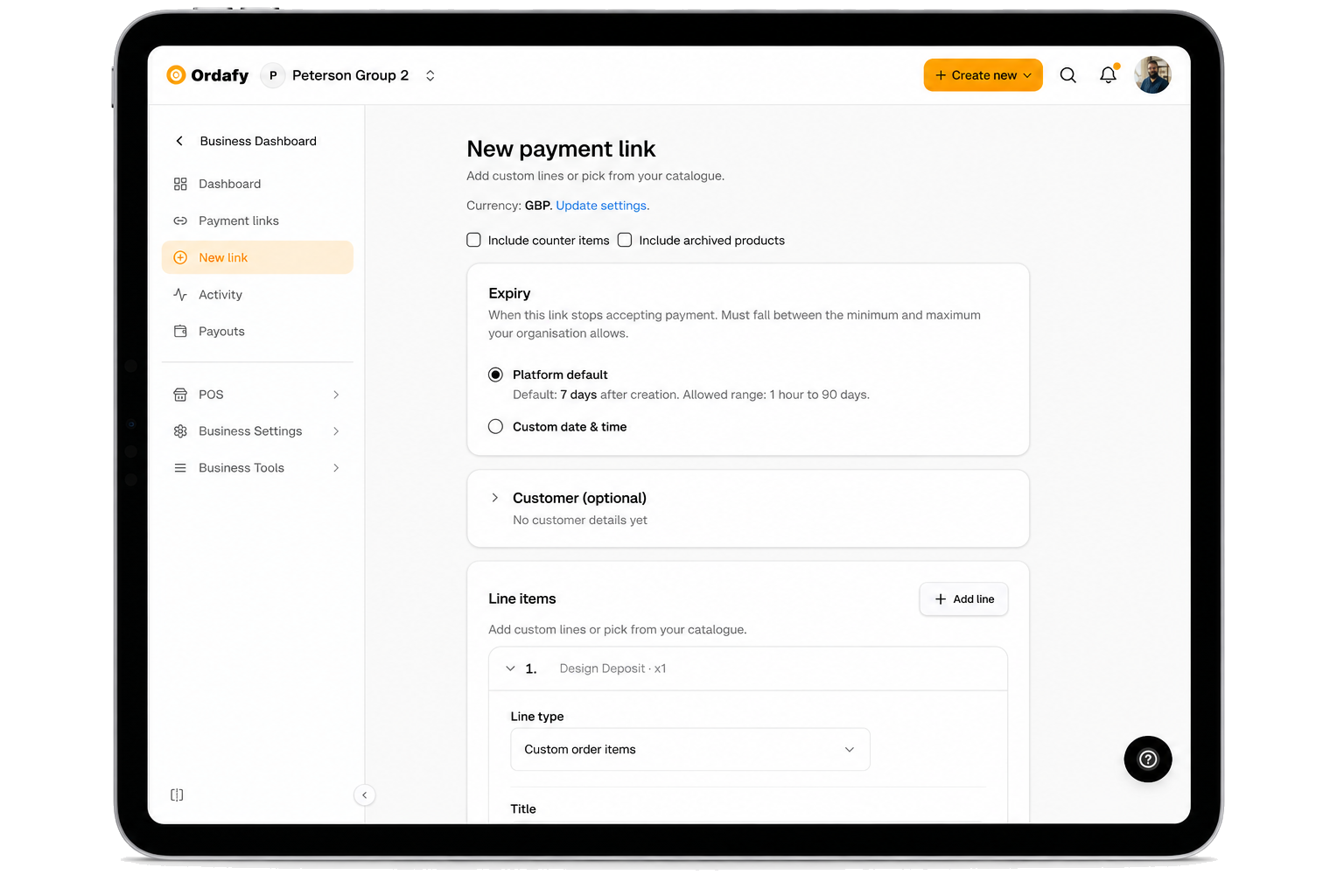
Create
Line items, expiry, and optional customer details — then share the URL.
On the go
Pick how your customer pays — card, tap, cash, or a shareable checkout link.
Pay works on its own or extends Business - same sign-in, same organisation, no duplicate setup.
Bookings, catalog, customers, and day-to-day ops - Pay plugs in when you need links.
Payment links and hosted checkout - standalone or with Business.
In-store checkout and cash drawer - share pay links at the counter too.
Common questions about Pay by Link.
See what you'll pay — No monthly Ordafy fee. Online 2.2% + £0.35 per paid transaction · In-store 2.2%. Fees are deducted from your payout. Exact fee depends on the card used.
Pricing →Get started
Create your first payment link from the Pay dashboard - no code, cancel anytime.
Stripe-powered · Same account as Ordafy Business